
ChatGPT vs Copilot are Artificial Intelligence (AI) is very important to our day-to-day work, for learning. writing. And they manage the content, for everyday productivity, in the world, many more AI tools, but two massive names dominate the entire AI industry: OpenAI’s ChatGPT and Microsoft Copilot. Both tools are built on very highly advanced language models, and they are integrated into our systems. In different ways
Between ChatGPT vs Copilot, wich Ai tool wich ai tool is really best suited for our laptop experience? If you’re a freelancer, business professional, blogger, YouTuber, video editor, etc., they are also using it to improve workflow. Modern laptops are built specifically for machine learning. In this ultimate hands-on compendium, we will break down integration value to help build the digital development
Modern Technology AI
Before comparing ChatGPT and Copilot, let’s first understand how modern laptops handle AI features. Earlier laptops mainly depended on the CPU and GPU for almost every task, like browsing, gaming, editing, and running apps. These components are powerful, but continuous AI processing can increase heat and drain the battery faster. Modern laptops are now coming with a new AI-focused chip called NPU (Neural Processing Unit). Processors such as Intel Core i9 and AMD Ryzen AI are specially designed to handle AI tasks more efficiently. Because of this technology, laptops can run AI features smoothly without using too much power. It also improves overall performance and gives better battery life, lasting up to 15 to 20 hours on a single charge. This is where ChatGPT and Microsoft Copilot became interesting, because both tools use modern AI hardware in different ways.
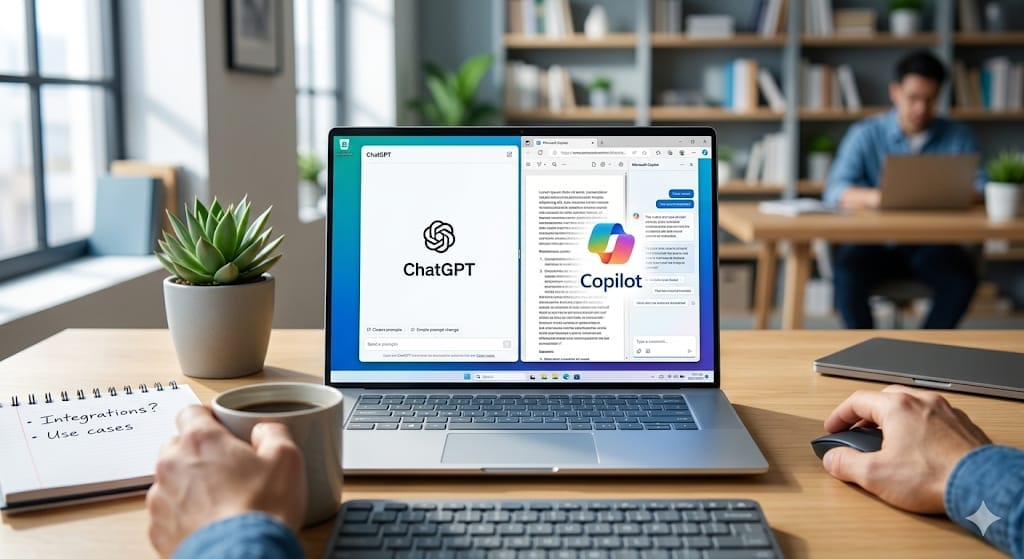
Microsoft Copilot – A Built – in AI Experience
Microsoft Copilot is more than just an AI website. It is now becoming a built-in part of modern laptop windows.
1. Dedicated copilot key on new laptops
Many new laptops now come with a special copilot keyboard. With just one press, Copilet opens instantly on the screen. You do not need to open a browser, search for the website, or keep multiple tabs open. The AI assistant is always ready to help whenever you need it. This makes using AI faster, easier, and more convenient for everyday laptop users
Improvements allow laptops to process complex background algorithms locally, leading to massive performance improvements
2. Microsoft Copilot: The Ultimate Built-in Experience.
Copilot is not just a website; it is an assistant deeply woven into the fabric of the Windows operating system and modern
a. Dedicated Copilot key on modern laptops
Many modern laptops now come with a dedicated copilot key on the keyboard. With just one press, the Ai assistant opens instantly on the screen.
Users do not need to open a browser or search for the website every time. Copilot is always easy to access, making everyday tasks faster and more convenient.
https://kathavaidya.com/difference-between-iphone-18-pro-and-iphone-18-pro-max-2026/
b. Smart Controls and Easy Search Features
Since Microsoft Copilot is connected directly with Windows, it can help users manage their laptops more easily. For example, it can summarize long PDF files opened in Microsoft Edge, switch the laptop to dark Mode, or even help organise open windows on the screen.

Copilot also makes file searching much simpler. Instead of manually searching folders, users can type simple commands like “find the document I downloaded yesterday,” and Copilot can quickly locate the file. These smart features make everyday laptop tasks faster and more convenient
When we look at performance, ChatGPT vs Copilot both offer unque advantages
c. Live Internet Research and AI Image creation
Microsoft Copilot can also search the internet in real time using Bing search. This helps users get the latest information about technology, news, market trends, and other topics directly from the web.
It can even provide source links while giving an answer, which is useful for research and content writing. Another helpful feature is AI image generation. Copilot gives users access to powerful image creation tools, allowing them to create blog images, logos, and creative graphics without needing extra software or design skills. These features make Copilot useful for bloggers, students, and everyday laptop users
3.ChatGPT -Best for Creativity and Ideas.
While Microsoft Copilot mainly focuses on Windows features and system integration, ChatGPT is more focused on creativity, conversation, and content creation. It works like a powerful AI workspace where users can ask questions, write blogs, generate ideas, learn new topics, and even get coding help. Because of its flexible features, ChatGPT has become popular among bloggers, students, creators, and professionals.
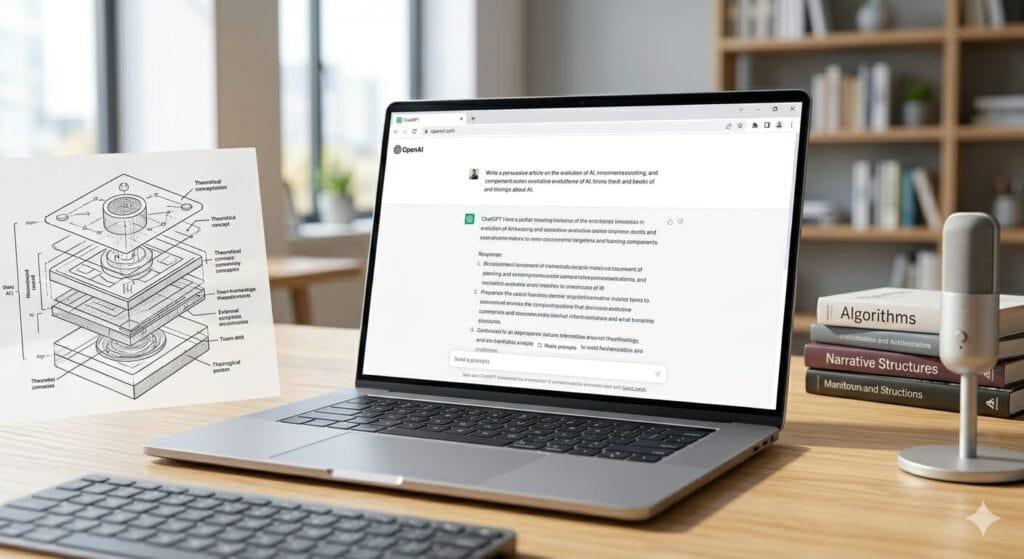
a. Easy Access to ChatGPT on any device.
ChatGPT can be used easily on laptops, desktops, tablets, and mobile phones through a web browser or app. Users simply need to open the platform and start chatting with the AI assistant. It does not require a special keyboard button or built-in system feature. Even so, many people prefer ChatGPT because of its simple interface and powerful AI capabilities for writing, learning, and creative work
b. Powerful Research and Smart Assistance
ChatGPT helps users with research, learning, and everyday tasks. Users can ask questions, summarize a long article, generate ideas, or get help with writing and coding. It can also explain complex topics in simple language, making it useful for students, bloggers, and professionals. Many people use ChatGPT to save time when creating content, learning new skills, or organising their work efficiently. Because of its conversational style and creative abilities, ChatGPT has become one of the most popular AI tools for laptop users.
4. Full Features of ChatGPT and Microsoft Copilot
| Feature | Microsoft Copilot | ChatGPT |
|---|---|---|
| Main Focus | Windows integration, fast research, and productivity | Creative writing, learning, coding, and conversations |
| Access Method | Available through Windows and a dedicated Copilot key on some laptops | Accessed through a web browser or mobile app |
| Internet Research | Provides fast web results with source links | Gives detailed and conversational answers |
| Image Generation | Free AI image generation features are available | Advanced image generation in premium versions |
| Best For | Office work, Windows users, and quick tasks | Bloggers, students, creators, and developers |
| Ease of Use | Works closely with Microsoft services | Simple and flexible for all types of users |
Both Microsoft Copilot and ChatGPT are powerful tools. But they are designed for different types of users. Copilot is more useful for Windows integration and productivity tasks, while ChatGPT is better for creative work, learning, blogging, and detailed conversations. Choosing the right AI ChatGPT and Copilot depends on your personal needs and daily usage.
ChatGPT.com Copilotcopilot.com